AI color grading
Color grade like a pro, in one click
ColorPilot reads your footage, generates a finished, editable grade, and exports a .cube LUT that drops straight into Premiere, DaVinci Resolve and Final Cut.
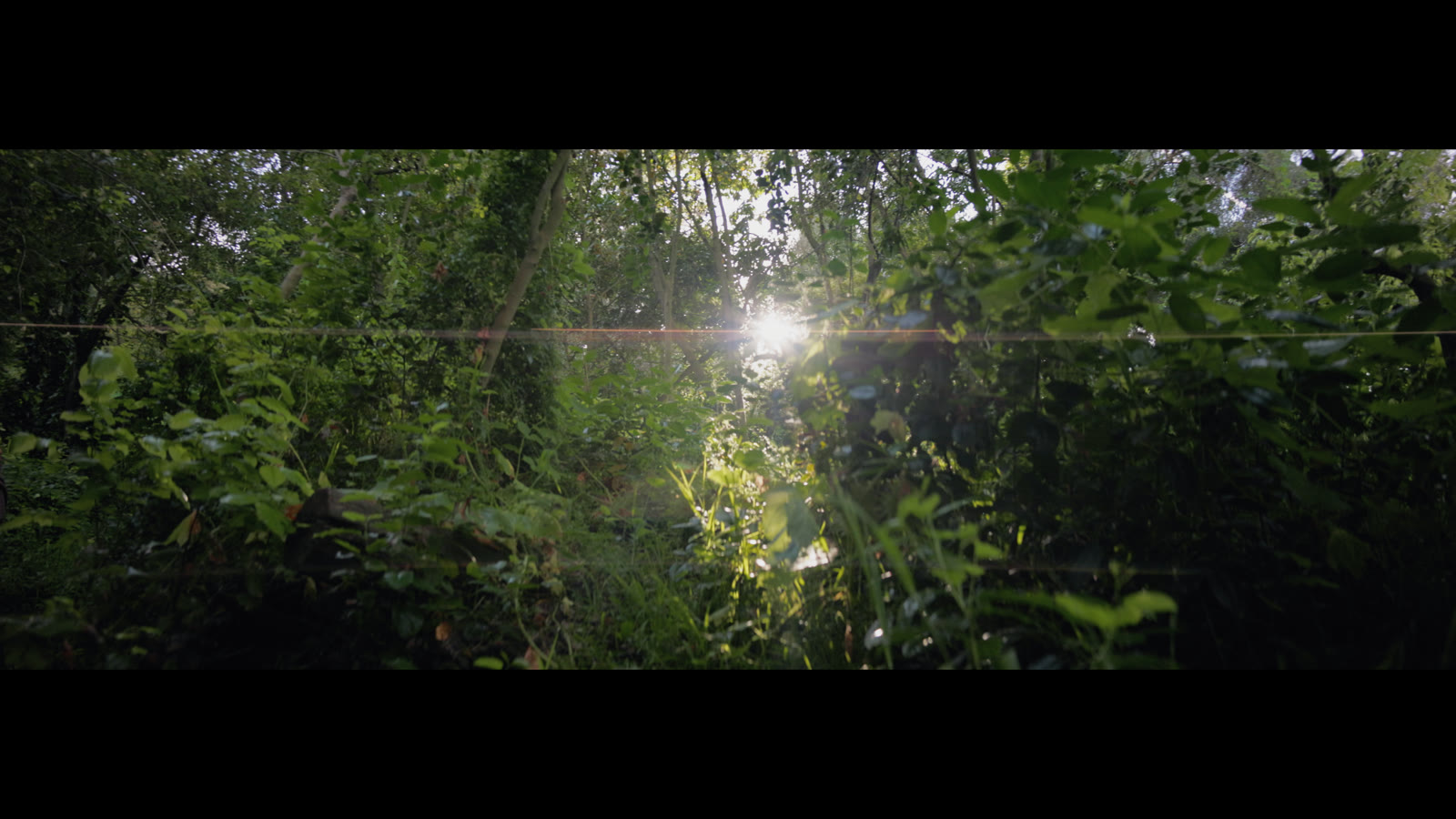
Real footage — straight-out-of-camera log vs. graded in ColorPilot. Drag to compare.
And shape the look yourself
 ColorPilot
 After
After
 Source
See it work
Log footage in, a finished look out
Drag the slider. ColorPilot takes your flat log footage and builds a finished, editable grade — then bakes it into a LUT in seconds.
Real footage — flat log straight out of camera vs. graded in ColorPilot. Drag to compare.
How it works
From raw frame to finished LUT
Load a frame
Drop a still from your footage. It’s downscaled locally before a single AI call — your media never leaves your machine in full.
Generate or match
Get instant looks, type the mood you want, or drop a reference — then fine-tune with wheels, curves and Strength.
Export to your editor
Export a .cube LUT and drop it into Lumetri, Resolve or Final Cut. Adjust intensity to taste.
Pricing
One plan. Everything included.
Start with a 7-day free trial. AI grading is built in — no API keys, no usage fees.
Cancel anytime · billed monthly · macOS (Apple Silicon)
Start your 7-day free trial →- Unlimited AI grades — Mood Explorer, custom prompts & reference matching, included.
- Full pipeline — wheels, RGB curves, sliders & Strength, all local & free.
- Unlimited .cube exports for Premiere, Resolve, Final Cut & more.
- Reference matching, Log → Rec.709, Catalog library & project save/reopen.
Cancel anytime before day 7 — no charge.
Questions
Good to know
Any editor that imports 3D LUTs — Premiere Pro (Lumetri), DaVinci Resolve, Final Cut Pro, After Effects, Avid, CapCut and more. A .cube is the universal grading format, so your look travels anywhere.
No. AI grading is included in your subscription — nothing to configure. Generate looks, write prompts and match references with no separate keys or per-use fees.
Fully editable. The AI only chooses the starting values — everything after is a real pipeline: white balance, exposure, contrast, highlights/shadows, saturation, RGB curves and Lift/Gamma/Gain. Tweak anything; it’s all local and instant.
Yes. The exported .cube is the exact preview pipeline sampled onto a 33³ grid. Author in a Rec.709 sequence for a 1:1 match, and use your editor’s intensity control to blend.
A Mac with Apple Silicon (M1 or later) and a modern GPU (the live preview runs on WebGL2). Intel and Windows builds are on the way. For importing into Premiere, you’ll want Premiere Pro 2024 or newer.
Anytime. You add a card to start the 7-day free trial, but you’re not charged until day 7 — cancel before then and you pay nothing. After that it’s $9.99/month, billed monthly.
Your next grade is one click away
Stop building looks from scratch. Let ColorPilot find the grade — then make it yours.